@eiaro @strooom2 @leon-rinkel-me @MatthiasU
I am sorry that this issue is not solved yet. We will do our best to find a solution soon.
For the time beeing, there is a workaround using the ODB++ export in KiCad.
- Create a user layer (File → Board Setup… → Board Editor Layers → Add User Defined Layer) and rename it to “aisler-bridges”
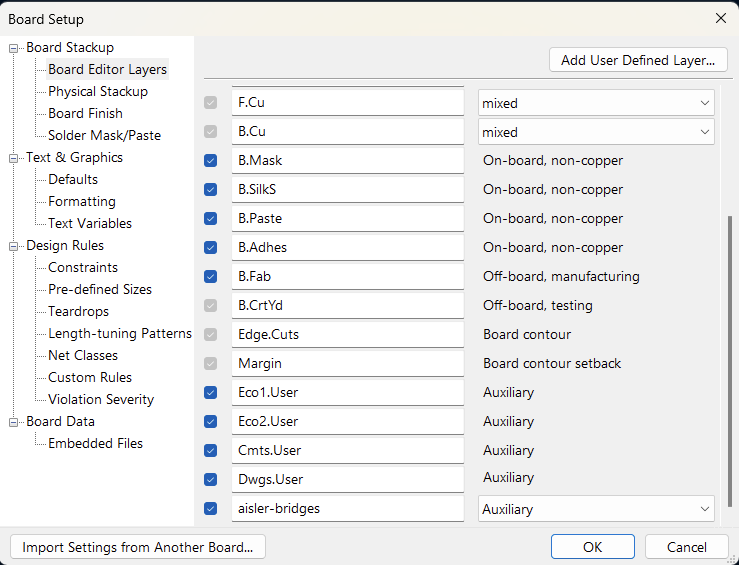
The Layer should appear in the PCB Editor:
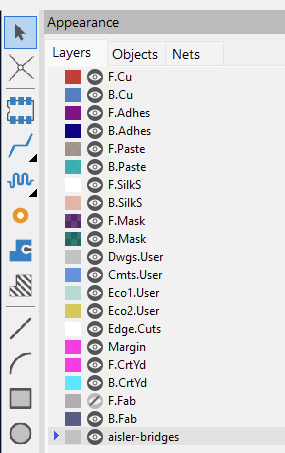
- Draw the bridge indicators according to Custom Bridges and Frames
- Export the ODB++ as zip (File → Fabrication Outputs → ODB++ Output File…)
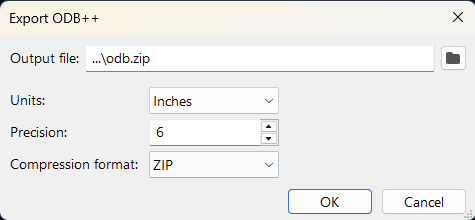
- Upload the ODB++ archive
We will try to offer this functionality for the more common ways of providing your project data (.kicad_pcb & Push to Aisler), too.
I hope this helps for now.
Best regards,
Manuel